
Maui County Court Calendars Explained
Maui’s public calendar is the statewide Upcoming Court Hearings Search inside eCourt Kōkua. It lists public Second Circuit events on Maui, Molokaʻi, and Lānaʻi. One route takes a valid case ID. The other filters by Island, Location, Courtroom or Division. It also takes Calendar Date From and To, plus an optional Calendar Time. Each result links the case ID to hearing detail, with a Printable View included. Treat it as a two-week public window. Restricted matters stay off it. The system’s own warning matters too: hearing data can change, and official court documents control. For a real cross-check, read the newest Events item. Pair it with the latest filed notice or order. Physical daily calendars at the courthouse still exist. Check them when the web view is down or unclear.
Search Maui Hearings by Place
You can pull up a Maui calendar without a case number. Pick the island first, then location and courtroom or division. Add a date interval or time filter only if it helps. Broad fields return a crowded calendar. Overly precise fields can miss a setting entered under a different division. Remember that Printable View captures the current result set only. It is not a promise the event will go forward. The eCourt Kōkua public application provides the official search interface.
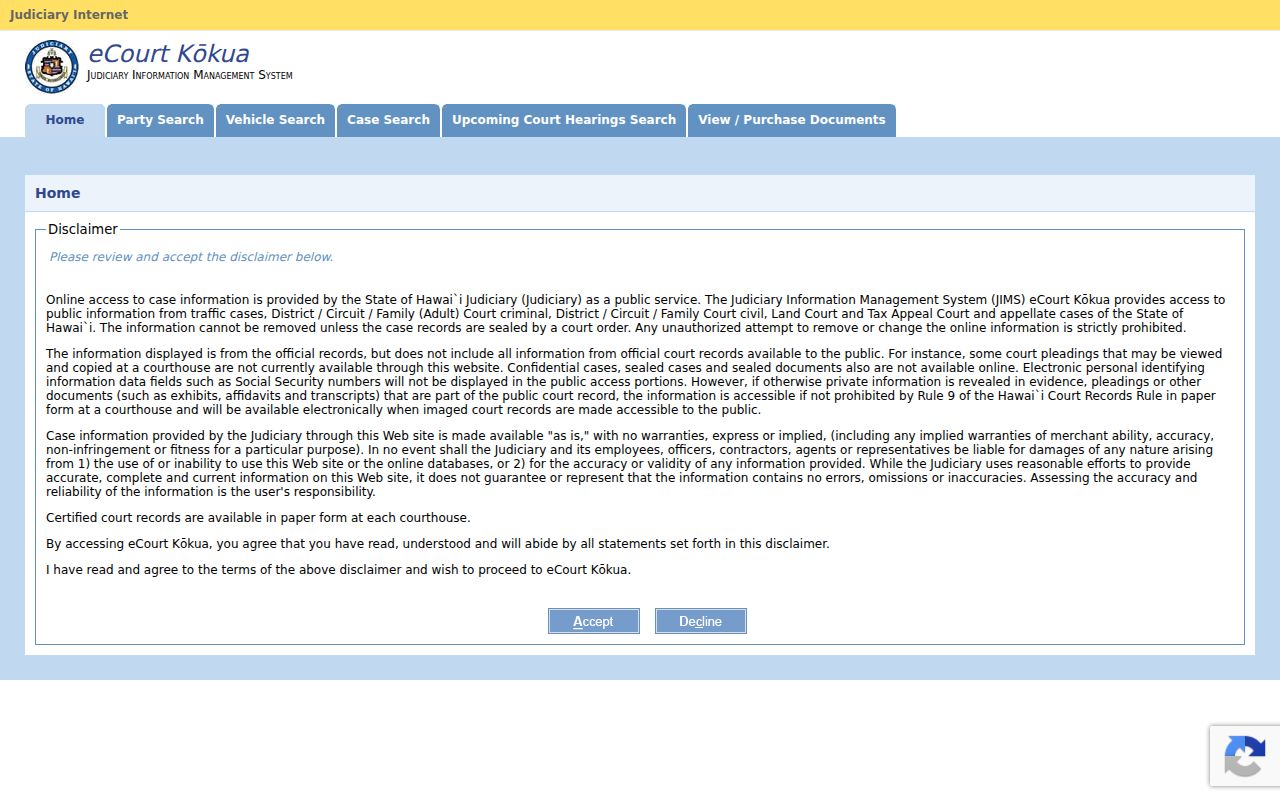
The portal ties into the same statewide JIMS record behind case events. A calendar hit should send you back to the matching case. There, the newest event and docket filing can confirm the setting type and reveal any later change.
Finding Your Maui County Court Date
When you must attend, use more than one channel. Online results make a fast first check. But if a setting changed, or a public case will not appear, the clerk and the filed notice still matter most.
- Open Upcoming Court Hearings and search by the exact case ID when known.
- If the ID is unknown, choose Island, Location, Courtroom or Division, and a date range within the two-week view.
- Open the linked case and read Events from newest to oldest.
- Compare the result with the latest filed notice or order and any assigned remote-hearing instructions.
- Call Legal Documents at 808-244-2969 for Circuit, District clerks at 808-244-2846, Family clerks at 808-244-2700, or Traffic at 808-244-2800.
- Check the Hoapili Hale public terminal, the case file, or the posted courtroom list if online sources still conflict.
A case title may leave out the party you searched, and older IDs sometimes need converting. A legacy Maui felony number like FCCR-15-1-1234 turns into 2FC151001234. The broader Maui County case lookup walks through name and number searches.
Maui Calendar Codes in Plain Terms
The short codes in Events describe types of action. Not every one points to a future appearance. Read the date, status, full text, and later entries as a set. Events lists newest first, so the first relevant setting often holds the latest word.
- AP
- Arraignment and plea.
- CHD
- Change of court date; look for the later setting.
- CON or CONP
- Continued, or continued to an afternoon calendar.
- HH or HRG
- Hearing held, or hearing.
- HMT
- Motion hearing.
- PTC or PTH
- Pretrial conference or pretrial hearing.
- SEN
- Sentencing.
- TRLB, TRJ, TRLS
- Bench trial, jury trial, or trial setting.
CEVNT marks a closed event. That is not proof the whole case closed. Check the case Summary status and later docket entries for the full context.
How to Read a Court Setting
A good setting answers five questions: when, where, before whom, for what event, and under which case ID. The public calendar fills in several fields. The docket and filed notice add the rest. Keep in mind that a hearing location is not always where the file is stored, especially for rural Second Circuit matters.
| Date | The scheduled calendar day; compare it with later CHD or CON entries. |
|---|---|
| Time | The calendar time or session, which may differ by division. |
| Location | Wailuku, Lahaina, Hāna, Molokaʻi, or Lānaʻi hearing site. |
| Courtroom or division | The assigned calendar; use it to narrow a place-based search. |
| Setting type | Arraignment, motion, pretrial, trial, sentencing, or another event. |
| Case ID | The public JIMS identifier linking the hearing to case details. |
Judge and courtroom assignments can change, so contact the clerk or division about a pending case, never a judge.
Maui District Return Calendars
Form 2DC50 shows why location matters in a Maui County calendar search. A Wailuku civil summons uses 8:30 a.m. on the second Monday after service. After a holiday, it shifts to the next Monday. Lahaina sets returns at 8:30 a.m. on the second Thursday of the following month. Hāna uses 9 a.m. on the first Friday. Lānaʻi uses 10 a.m. on the third Tuesday.
| Division | Form 2DC50 pattern | Important limit |
|---|---|---|
| Wailuku | Second Monday after service at 8:30 a.m. | Next Monday if a holiday |
| Lahaina | Second Thursday of next month at 8:30 a.m. | Division-specific return rule |
| Hāna | First Friday of next month at 9 a.m. | Not a universal hearing schedule |
| Lānaʻi | Third Tuesday of next month at 10 a.m. | Filed notice still controls |
These are civil summons patterns, not standing dates for every Maui County case. On Form 2DC05, the clerk enters the small-claims date and time and names the chosen division. Always rely on the actual filed notice.
Continuances, Resets, and Cancellations
A continuance moves a matter and stays on the record. CHD signals a date change; CON signals a continuance. Neither older entry is necessarily the current setting. Work from the top of the reverse-chronological Events list, find the newest scheduling action, and weigh it against the latest notice or order in Dockets. Still conflicting? Call the assigned clerk. Court operations themselves can shift a calendar. Weather did exactly that when, on March 12, 2026, the Judiciary announced Maui County courts would close March 13 for inclement weather. Hearings and trials on Maui, Molokaʻi, and Lānaʻi were to be rescheduled, with affected filing deadlines extended through March 16. The notice pointed users to eCourt for current case activity. That episode is a good reason a saved Printable View should never replace a fresh check.
Reset check: Read the newest event, open the newest notice, review current Judiciary operational notices, and call the clerk when the sources do not agree.
Maui eReminder Court Alerts
eReminder is a free Judiciary alert program. Eligible events can trigger a notice seven days before, one day before, and at 6 a.m. on hearing day. If a Maui hearing gets rescheduled, the program can send an alert for the new date too. Reminders stay on until you shut them off. A missed text never excuses a missed appearance. An alert by phone or email is not the official notice, and it cannot change a court order. Keep your contact details current. Still confirm the setting through eCourt and the filed notice. That habit matters after a reset, because an old personal calendar entry can linger even after the docket changes.
Remote Maui Court Settings
Remote access in Maui County is assigned case by case. The Second Circuit instructions list recurring online meeting details for Wailuku District Court courtrooms. The instructions also give a shared rural route. It covers Lahaina, Hāna, Molokaʻi, and Lānaʻi. That list does not let a party choose remote attendance. The court's notice, its order, and the request process control how a hearing happens. Most nonevidentiary Circuit criminal and civil hearings can be remote under those instructions. Trials and evidentiary hearings are the exceptions. A public calendar entry may name the event. Yet the entry can leave out the connection steps entirely. Confirm the approved mode with the clerk. Then follow the filed remote-hearing notice for that Maui court date.
If You Miss a Court Setting
Act fast. Check the newest Events entry and the Dockets tab. See what the court recorded, then call the right clerk. Do not assume the setting is erased. A missing reminder, a portal glitch, or a stale printout does not erase it. The fix depends on the case type and the court's order.
Missed setting: Call Circuit Legal Documents at 808-244-2969, District clerks at 808-244-2846, Family clerks at 808-244-2700, or Traffic at 808-244-2800. Ask what was entered and what filed instruction now controls. Do not contact the judge directly.
For an infraction, not answering can create default. A motion to set that default aside has its own deadline and requirements. A criminal matter may bring a warrant entry. Civil matters may move to default or another order; the docket shows what happened, but only the Maui court can grant relief or change the next setting.