
Searching the Kahului Court Docket
Start your docket search at eCourt Kōkua. Party Search takes a person’s first and last names or an entity name. Case Search wants a JIMS case ID. Vehicle Search takes a plate with its state or a VIN. Upcoming Court Hearings lets you search by case ID. You can also search by island, the Wailuku location, courtroom or division, dates, and an optional time. One caution: pick the court and case type shown on the filing itself. There is no Kahului city court to search for.
- Accept the disclaimer and complete reCAPTCHA if prompted.
- Choose Party, Case, Vehicle, Filing Date, or Upcoming Hearings.
- Narrow the result by case type, date, court, and Wailuku location.
- Open Summary, Parties, Events, Dockets, and Offenses when present.
- Check the newest event and the latest filed notice before relying on a date.
Searching costs nothing. Results load up to 200 at a time, and a filing-date query cannot span more than 60 days. One quirk: older Second Circuit IDs may need conversion to the modern format that begins with circuit digit 2.
Kahului Searches Use State Courts
Kahului is a census-designated place, or CDP. It was home to 28,219 residents in the April 1, 2020 Census. It is not an incorporated city. There is no municipal government, municipal judge, or local clerk. That population figure is a Census geography count, not a current city estimate. The dockets Kahului residents actually use come from the state Circuit, District, and Family Courts.
Local correction: A Kahului address does not create a Kahului court division. Use the state court, Wailuku location, and case type printed on the notice or citation.
The same structure means no county court appeal step exists. Appeals from the state trial courts move through Hawaiʻi’s appellate system, which includes the Intermediate Court of Appeals and, where it qualifies, review by the Hawaiʻi Supreme Court.
Kahului Municipal Court Basics
Despite the heading, no Kahului Municipal Court exists. Maui County has no city or township governments. So it has no municipal court layer at all. A Kahului misdemeanor, traffic citation, landlord-tenant claim, or small claim belongs to the District Court. That court is the District Court of the Second Circuit. Felonies, jury trials, probate, guardianship, and larger civil matters go to the Circuit Court. Family Court covers domestic and children’s matters.
| Kahului matter | Actual court | Usual access point |
|---|---|---|
| Traffic or misdemeanor | District Court, Second Circuit | eCourt and Wailuku Traffic or District clerks |
| Felony or jury case | Circuit Court, Second Circuit | eCourt and Legal Documents |
| Small claim or landlord-tenant | District Court, Second Circuit | eCourt and District clerks |
| Family matter | Family Court | Public eCourt only when not restricted |
Trust the court label printed in the record. An event that happened in Kahului does not make “Kahului” a court name.
Kahului Tickets Go to Wailuku
Kahului, Kīhei, Wailuku, and Waiheʻe-Waiehu ordinarily use the Wailuku District Court at Hoapili Hale. That court sits at 2145 Main Street, Suite 137. Traffic questions go to 808-244-2800. For district clerk questions, call 808-244-2846. Always follow the location printed on the citation, though. The issuing event or assigned hearing can differ from the usual route. The official Second Circuit parking page documents access options near Hoapili Hale.
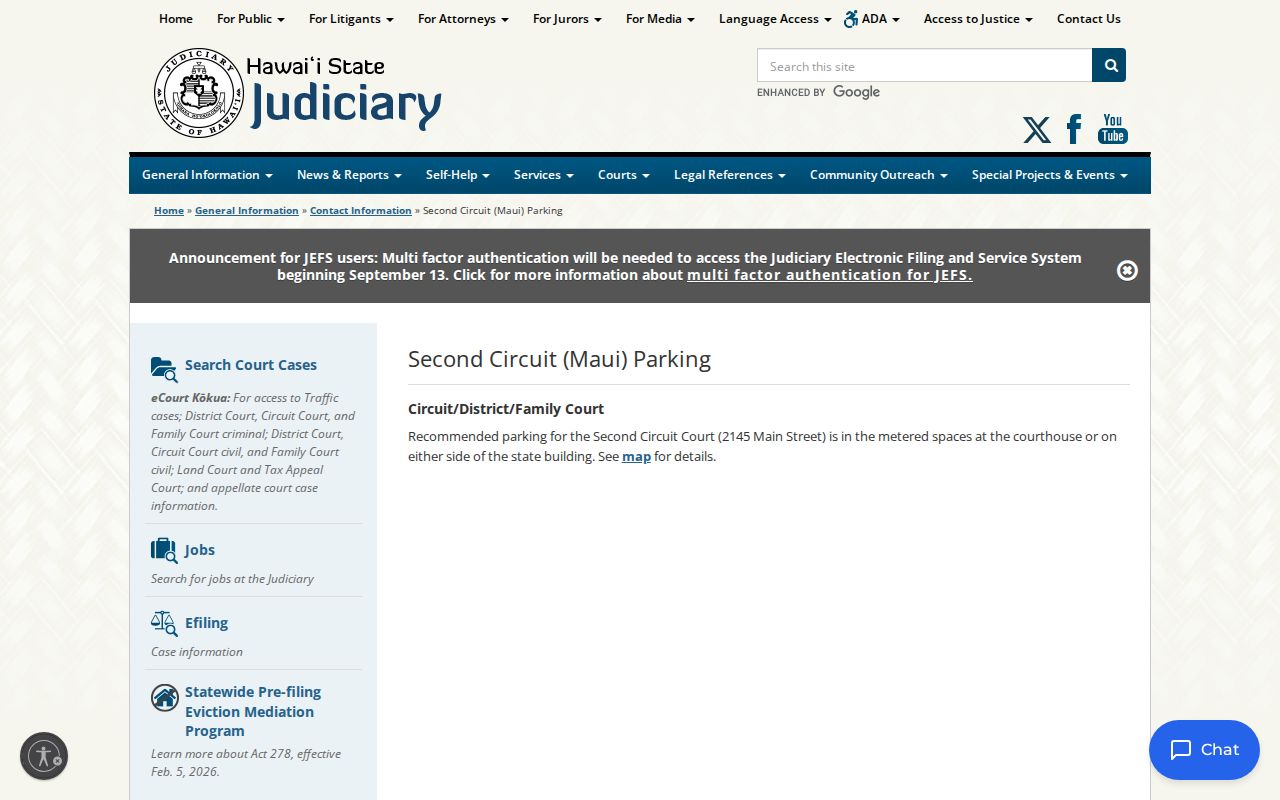
Metered courthouse parking and spaces beside the state building are the recommended choices. Handy as it is, that Wailuku access detail does not make Hoapili Hale a Kahului or Maui County government court. It stays a State of Hawaiʻi Judiciary facility.
Court Dates and Settings in Kahului
Kahului has no daily municipal calendar. Use Upcoming Court Hearings. Select the actual Wailuku location plus the assigned courtroom or division. The place-based route asks for Island, Location, Courtroom or Division, Calendar Date From and To, and an optional Calendar Time. Prefer the case route when you hold a valid JIMS case ID. Public results cover a two-week window and can be printed.
| Case ID | The public JIMS number linking the setting to the case. |
|---|---|
| Location | Usually Wailuku for a Kahului matter, unless the filed notice says otherwise. |
| Courtroom or division | The calendar assignment used to narrow a hearing search. |
| Date and time | The current public setting, subject to later court action. |
| Setting code | AP, HRG, PTC, SEN, or another official event label. |
Events display newest first. CHD means change of court date; CON means continued. Older codes stay in the history, so track down the later setting and check it against the newest notice or order.
Kahului eReminder Is a Backup
Eligible cases can join the Judiciary’s eReminder program. Alerts may go out seven days before a setting. Some arrive one day before, and others at 6 a.m. on hearing day. A rescheduled event can trigger a new-date alert. For a Kahului resident driving to Wailuku, that is genuinely useful. But an alert is not the source of legal notice. Nonreceipt never excuses attendance. Nor should a saved alert outrank a later docket event or filed order. Recheck eCourt close to the hearing. Follow any court-approved remote instructions, and call the clerk if the setting or mode conflicts. Remember that remote access is assigned, not chosen for personal convenience.
Traffic Tickets in Kahului
A Kahului citation generally demands an answer within 21 calendar days. A mailed answer must be postmarked by day 21. You can admit and pay, deny by written statement or at a hearing, or admit while offering mitigation. eTraffic handles only an eligible payable citation when responsibility is admitted. It does not show the full case history. For parties, events, docket entries, the latest setting, and public offense information, use eCourt instead. The Judiciary’s traffic case-record instructions point readers toward the public record route.
Keep the two systems straight. eCourt gives you parties, events, docket entries, the latest setting, and public offense information. eTraffic exists only to admit and pay a qualifying citation. A ticket may take 13 days or more to appear in the system, yet that delay does not push back the response deadline.
Kahului Plate and Citation Searches
Match the portal to the job at hand. eTraffic asks for a citation number and moves you to card details once it finds a match. For a plate or VIN search, eCourt Vehicle Search wants the state too, along with dates and case type. eCourt Case Search takes a case ID or citation number and works with other official identifiers as well. These fields exist to locate a court record, and none of them doubles as a payment tool.
| Goal | Tool | Main field |
|---|---|---|
| Read case history | eCourt Kōkua | Case ID or citation |
| Find by vehicle | eCourt Vehicle Search | Plate and state, or VIN |
| Pay an eligible citation | eTraffic Hawaiʻi | Citation number |
When eTraffic will not take a Kahului ticket, use what the citation itself gives you. The pre-addressed envelope, the mail or in-person instructions, and the court designation printed on it all point the way. Just do not sit past day 21 waiting for an online match.
Where Kahului Cases Go
Kahului has no separate municipal court. Cases do not go up to a county court. Matters start directly in the proper State of Hawaiʻi trial court. Traffic, misdemeanors, landlord-tenant disputes, small claims, and limited civil cases belong to District Court. Felonies, every jury trial, probate, and major civil disputes go to Circuit Court. Family Court takes the domestic and children's matters assigned to it.
Actual docket flow: Kahului event › Second Circuit District, Circuit, or Family Court › Intermediate Court of Appeals › Hawaiʻi Supreme Court when review applies
A rural hearing site can sit somewhere other than where the file is stored, though Kahului usually follows the Wailuku route. The Maui County court docket overview lays out the trial court levels side by side, and it never pretends Kahului has its own city court.
Airport Counts Are Not Kahului Counts
FY2024 Judiciary data tracks the whole Second Circuit, not Kahului alone. That circuit spans Maui, Molokaʻi, and Lānaʻi. A traffic category tied to local geography still cannot be dropped onto one census-designated place. The 1,725 airport-violation filings in that report are circuit figures. They are not a Kahului filing total.
Numbers like these measure system scale and nothing more. They cannot tell you which community produced a citation, where in the circuit it arose, or how the case ended. A Kahului docket search has to stay anchored to the individual public case record instead of a geographic guess.
Kahului Missing PDF Options
A PDF icon next to a Dockets entry means one thing. The public image can be bought online. A missing icon does not mean the document is sealed. It might simply be unscanned. It might be too old for online coverage, stored off site, or held only by the clerk. Viewing at the public terminal in Hoapili Hale costs nothing, though copies do. The Judiciary's court-record access instructions lay out the online, courthouse, and written-request routes.
For nonconfidential Circuit copies and older files, call Legal Documents at 808-244-2969. Anything more than five years old may sit off site, so phone ahead before you drive over. Form 2D-P-332 lets you request paper, microfilm, certified, or unavailable material from the proper custodian.
Kahului Court Record Access Rules
The Hawaiʻi Court Records Rules control access. They govern more directly than an ordinary county public-record request would. Under Rule 10, records are open during business hours. Law, rule, or order can say otherwise. You can ask orally, in writing, or electronically. The request should name the party, the known case number, the case type, and the filing court. Rule 9 keeps protected personal and account data out of the public filing. The official Hawaiʻi Court Records Rules spell out the full access framework.
Confidential, juvenile, and sealed cases never appear in public eCourt. Items sealed or reviewed in camera inside an otherwise visible file get masked. Adoption and juvenile matters carry statutory restrictions of their own. When formal proof is required, the certified copy counts. It is the record, not the public display.
Kahului access chain: eCourt search, available PDF, Hoapili terminal, correct clerk, then Form 2D-P-332 for material not supplied online.
Kahului Docket Route Checklist
Access from Kahului depends on the task, so the best route shifts with the record you want. This checklist keeps a Kahului search tied to the state system, with the right Wailuku fallback when you need it.
| Kahului need | Kahului first step | Kahului fallback |
|---|---|---|
| Kahului party search | Use eCourt Party Search | Ask the Kahului case’s assigned clerk |
| Kahului case ID | Use eCourt Case Search | Convert the old Kahului case number |
| Kahului hearing | Filter the Wailuku calendar | Call the Kahului case division |
| Kahului citation status | Read the eCourt Events tab | Call the Kahului traffic line |
| Kahului citation payment | Try eTraffic if eligible | Follow the Kahului citation instructions |
| Kahului vehicle case | Search a plate or VIN | Use the Kahului citation number |
| Kahului public document | Check for a PDF icon | Use the Kahului clerk route |
| Kahului certified copy | Name the exact docket item | Request Kahului case certification |
| Kahului older file | Call before visiting | Ask about Kahului off-site storage |
| Kahului terminal review | Go to Hoapili Hale | Bring the Kahului case ID |
| Kahului restricted matter | Check access authority | Follow the Kahului court order |
| Kahului reset | Read the newest Event | Confirm the Kahului filed notice |
| Kahului remote event | Read the court-approved notice | Call the Kahului case clerk |
Kahului geography never substitutes for the actual court name. Every Kahului lookup should finish with the state court named, the case ID in hand, and the newest controlling record confirmed.
Kahului Search Precision
Names, case IDs, and filing dates are what actually identify Kahului records. Locations, divisions, and notices then confirm you have the right setting.